Smart Bulbs for Closet Lighting With Motion Sensor and Battery Backup Under $40: A Practical Guide

Disclosure: This post may contain affiliate links. We may earn a commission on qualifying purchases at no extra cost to you.
There’s something deeply annoying about walking into your closet, hands full of laundry, and realizing the light switch is on the other side of the room. Or worse—finding you left the closet light on for three hours while you were out. I’ve been there, and that’s when I started looking into motion sensor smart bulbs. The good news? You don’t need to spend a fortune. A solid motion sensor bulb with battery backup under $40 can transform a dark closet into a hands-free, energy-conscious space. Here’s what I’ve learned about choosing and installing the right one.
Why Motion Sensor Closet Lighting Makes Sense
A closet is one of the most practical places to add motion sensing. Unlike a living room, where you might want a light on for ambiance, a closet visit is almost always brief and functional. You’re there to grab clothes, fold laundry, or store items—rarely to linger. A motion sensor bulb turns on the moment you open the door and turn it off automatically when you leave, cutting waste without any thought.
Battery backup is especially valuable in a closet. If the power goes out, you still have a safe way to see and exit. It’s not a substitute for emergency lighting in main hallways, but for a small closet, 2–4 hours of low-level light can be a lifesaver if you need to find your way out in the dark.
And honestly? The convenience factor is huge. No more light switches to hunt. No more apologizing to your partner for leaving the closet light on. Hands full of clothes? The light comes on automatically. Kids’ closets? They’ll actually be able to see without asking for help.
Key Features to Compare Before Buying
Sensor Type: PIR vs. Microwave
Most budget motion sensor bulbs use PIR (passive infrared) sensors, which detect body heat. They’re simple, reliable, and don’t drain the battery as fast. Microwave sensors emit a signal and detect reflections; they can sense movement through light clothing and some materials, but they use more power. For a small closet, PIR is usually plenty and more battery-efficient.
Sensitivity and Timeout Settings
A bulb that’s too sensitive will stay on when you’re not moving (annoying). Too insensitive, and it’ll turn off while you’re still there. Look for adjustable sensitivity and off-delay (the time before the light shuts off after motion stops). Many budget bulbs use physical dip switches on the bulb itself—tiny toggles you set before installation. Some pricier models let you adjust via an app, but that’s rarer under $40.
Color Temperature and Brightness
For a closet, warm white (2700K–3000K) is more flattering for checking how clothes look, but cool white (4000K–5000K) gives better visibility for detail work. Brightness should be 400–600 lumens for a typical closet—enough to see clearly without being harsh. Check if the bulb offers dimming, though many budget motion sensor models are on/off only.
Battery Backup Capacity
Not all motion sensor bulbs have battery backup, and those that do vary wildly. Some offer 2 hours of emergency light, others 4. Check the product specs carefully. A bulb with no battery backup will simply go dark if the power fails—not a deal-breaker for every closet, but worth considering if outages are common in your area.
Base Type and Compatibility
Most standard ceiling and wall fixtures use an E26 (US standard) or E27 (metric) screw base. Confirm your closet fixture matches before buying. Bayonet-base (twist-and-click) fixtures are less common but do exist in older homes. Installing a bulb into the wrong base is a guaranteed return.
How to Assess Your Closet’s Needs
Before you order, think through your actual closet habits:
- How often do you open the closet? Multiple times a day? Motion sensing is a win. Once daily? Standard lighting might be fine.
- How long do you stay inside? If you typically spend 30 seconds grabbing an item, timeout should be short (1–2 minutes). If you fold clothes inside for 10 minutes, set a longer delay.
- Is the closet well-ventilated? Motion sensor bulbs generate a little heat. A closet with poor airflow might need consideration, though smart bulbs run much cooler than old incandescent bulbs.
- Does natural light reach the closet? If your closet has a small window or bright hallway light spilling in, sensitivity settings matter more. Bright ambient light can fool some sensors.
- How is the closet used? Kid’s closet? Adult walk-in? Linen closet? Each has different traffic patterns. A linen closet gets quick visits; a dressing closet might have longer stays.
Installation and Setup: A Step-by-Step Walkthrough
What You’ll Need
A step ladder or stool, the motion sensor bulb, and the manual (important—read it first). Most bulbs need no extra wiring; they’re designed to screw into a standard fixture.
Before You Climb
Turn off the circuit breaker to the closet fixture. If you’re not sure which breaker controls it, flip one off and test the light. Wait a few minutes for the circuit to fully de-energize, and use a non-contact voltage tester if you have one. This is basic safety and takes 60 seconds.
Remove the Old Bulb
Unscrew the old bulb (counterclockwise for E26/E27 bases). Don’t touch the hot circuit yet; just leave the fixture empty while you read the motion sensor bulb’s manual. Seriously—read it. Dip switch settings vary by model, and you might need to set sensitivity before installation.
Set Dip Switches (If Present)
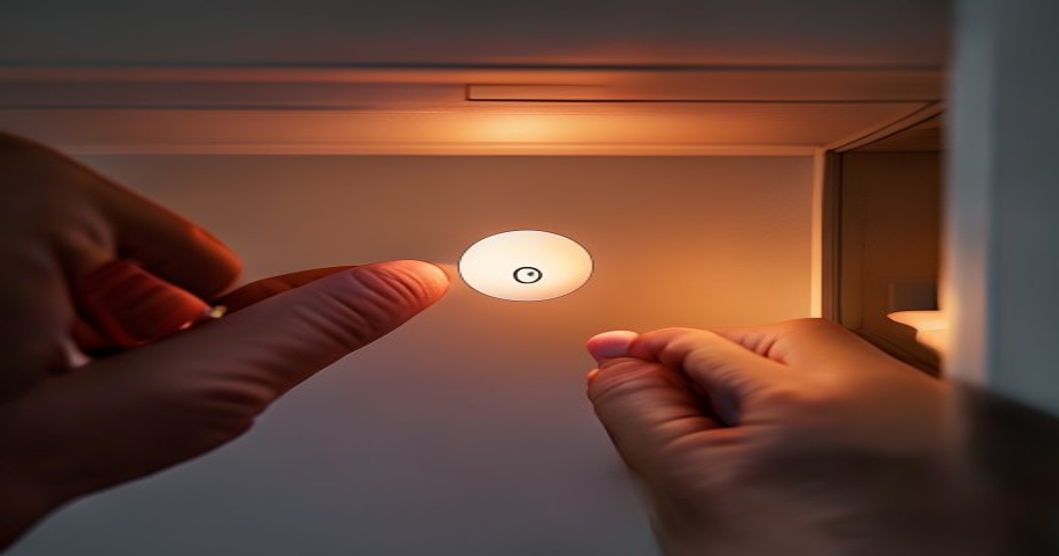
Many budget motion sensor bulbs have 2–4 tiny toggle switches on the bulb housing. The manual will show a chart: “Switch 1 ON = high sensitivity, OFF = low” or similar. Set these according to your closet. For a typical small closet, high sensitivity and a 1–2 minute off-delay are solid defaults. You can always adjust later by removing the bulb and flipping switches again.
Install the Bulb
Screw the bulb into the fixture (clockwise) until it’s snug. Don’t over-tighten; you’re not opening a jar. Once seated, restore power at the breaker.
Test the Sensor
Walk into the closet and stand still. The light should turn on. Now walk out slowly; the light should stay on for a moment, then fade or shut off after the delay expires. If the light turns off while you’re moving around inside, sensitivity is too low—remove the bulb and adjust the dip switches. If it stays on constantly even when you’re still, sensitivity is too high.
Fine-Tune Over a Week
Live with it for a few days. You’ll quickly know if the timeout is too short (annoying) or too long (wasteful). Most dip switches allow 2–3 delay options; pick the one that matches your typical closet visit duration.
Real-World Performance: What to Expect
Motion sensor closet bulbs work best for small to medium closets (under 50 square feet). In a walk-in closet, you might find the light turning off while you’re in a far corner—PIR sensors have a limited range, usually 15–20 feet. If you have a large closet, consider a bulb with higher sensitivity or install a second fixture.
Battery backup is real but not a miracle. If the power goes out, expect 2–4 hours of dim light (often around 10–20% brightness) for safe egress. This isn’t bright enough to get dressed or fold laundry by; it’s purely for safe exit. Budget models rarely advertise capacity beyond that.
These bulbs also work better in closets without bright windows or hallway light spilling in. If your closet is flooded with natural light, the sensor might not trigger (some models have an “ambient light override,” but it’s rare under $40). Test before committing.
Comparing to Related Smart Lighting Solutions
A motion sensor closet bulb is one approach, but it’s worth knowing your alternatives. If you’re already reading about smart bulbs, you might also be interested in other smart lighting setups. For example, smart bulbs for kitchen under-cabinet lighting with motion sensors use the same technology but in a different setting—under-cabinet lighting is often mounted lower and benefits from slightly different sensor angles. Meanwhile, smart bulbs for bathroom vanity lighting with dimming and color control prioritize color accuracy and dimming over motion sensing, since bathroom routines are longer and you want precise light for grooming.
If your closet is part of a bedroom or dressing area, you might also consider ceiling fans with integrated lighting for bedroom as part of a broader smart-lighting strategy, though that’s overkill for a closet alone.
Cost Breakdown: What You’re Actually Paying For
At $40 and under, motion sensor bulbs sacrifice some conveniences found in pricier models. You won’t get app control, voice integration, or fancy scheduling. You’re buying simplicity: a bulb that detects motion and turns on, with basic delay and sensitivity controls via dip switches.
As prices creep up (above $40–50), you gain app dimming, color temperature shifts, and longer battery backup. But for a closet, those extras often feel unnecessary. You’re not trying to set mood lighting or schedule the closet light for 6 AM—you just want it to turn on when you open the door and off when you leave.
The real value of a $30–40 motion sensor bulb is the convenience-to-cost ratio. You’re trading a small upfront expense for months of hands-free operation and automatic energy savings. Even if it lasts just three years, the wasted electricity it prevents and the frustration it eliminates make it worthwhile.
Energy Savings and Environmental Impact
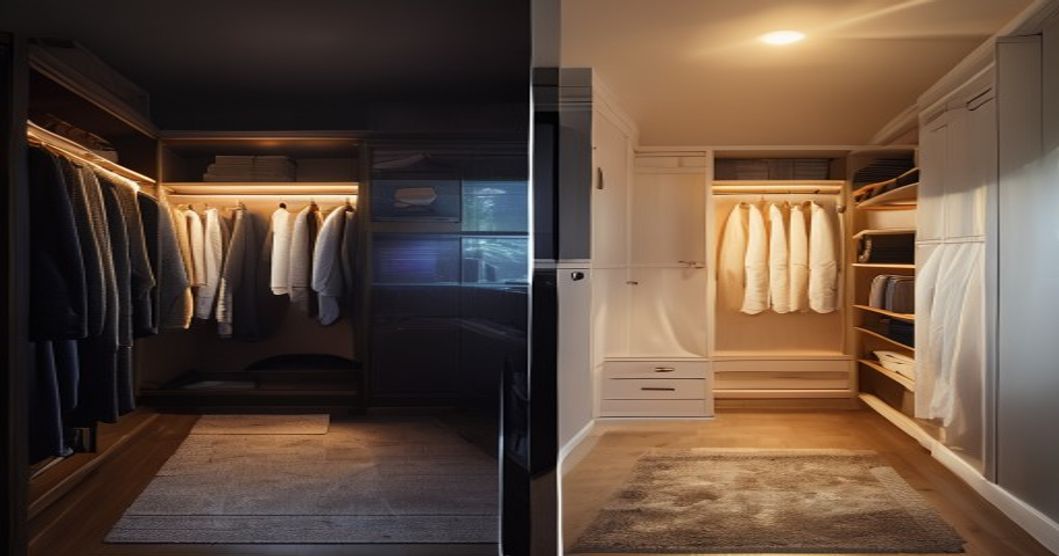
Closet lights are often left on by accident—I know I was guilty of it. A motion sensor bulb prevents that waste. If your closet light used to stay on for, say, 5 hours a week unintentionally, a motion sensor cuts that to nearly zero. Over a year, that adds up. Smart bulbs also run cooler and more efficiently than older incandescent or even halogen bulbs, so the energy savings extend beyond just the motion-sensing convenience.
Battery backup is a bonus. If an outage happens and your smart bulb’s battery keeps a dim light on for a few hours, you save yourself the fumbling-in-the-dark moment and the need to find a flashlight. It’s a small environmental win in the context of broader home resilience.
Common Mistakes to Avoid
Installing without reading the manual. Dip switches are not intuitive. Two minutes of reading prevents hours of regret.
Setting timeout delays too short. A 30-second cutoff is frustrating if you normally spend 2 minutes in the closet. Err on the side of longer initially; you can always adjust down.
Assuming all E26 sockets are the same. Some older fixtures have a push-in base or a deeper socket. If the bulb doesn’t seat flush, the fixture might be non-standard. Return immediately rather than forcing it.
Ignoring battery backup specs. Not all motion sensor bulbs have battery backup. If that matters to you, check before buying—some budget models skip it entirely to hit the price point.
Using a dimmer switch with a non-compatible smart bulb. Most motion sensor bulbs won’t play nicely with old-fashioned dimmer switches. If you want dimming, confirm the bulb supports app-based or remote dimming, not dimmer-switch dimming.
A motion sensor smart bulb under $40 is a practical, low-commitment upgrade for any closet you use multiple times a day. Install it, set the dip switches to match your closet habits, and forget about manually flipping the light switch. If you ever face a power outage, the battery backup gives you safe egress light without hunting for a flashlight. The key is choosing a bulb with adjustable sensitivity and delay settings, then spending 15 minutes fine-tuning it to your routine. After that, you’ll wonder how you ever lived without one.
Explore Options on Amazon →
Who This Solution Is and Isn’t For
Great Fit:
- Anyone who juggles laundry or frequent closet visits throughout the day
- Families with kids who forget to turn off lights
- People in areas with occasional power outages who want emergency closet lighting
- Anyone seeking a simple, no-app-needed smart home entry point
- Small to medium closets (under 50 square feet)
Probably Not the Right Fit:
- Large walk-in closets (motion sensors have limited range; you’d need multiple fixtures)
- Closets with always-on bright natural light (sensor won’t trigger reliably)
- If you want app control, scheduling, or color-changing light (those features cost more)
- If you prefer a traditional on/off switch and don’t mind manual operation
- Closets with non-standard fixtures (bayonet base, unusual socket depth)
Disclosure: This article contains affiliate links to Amazon. As an Amazon Associate, I earn from qualifying purchases at no extra cost to you. I only recommend products and solutions I genuinely believe solve a real problem.