Smart Bulbs for Hallway Motion Sensor and Dimming: Best Options for Energy Savings in 2025
Disclosure: This post may contain affiliate links. We may earn a commission on qualifying purchases at no extra cost to you.
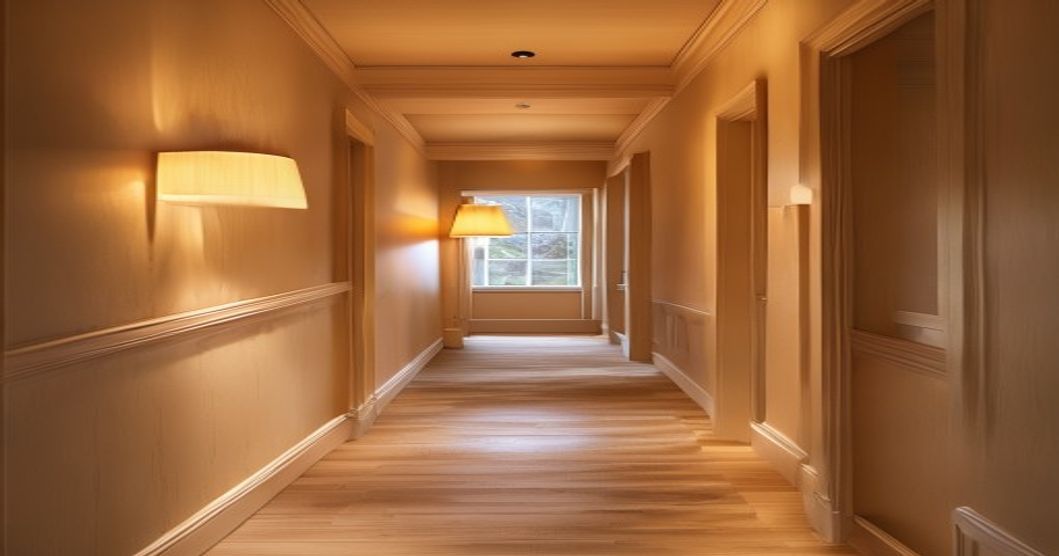
A smart hallway that lights up when you walk past and dims automatically at night? That’s not a luxury—it’s the practical move that cuts your lighting bill by half and stops you stubbing your toes in the dark. Motion sensor smart bulbs handle both jobs in one fixture, and the right pair can transform a dark, wasted hallway into a seamless part of your home’s rhythm.
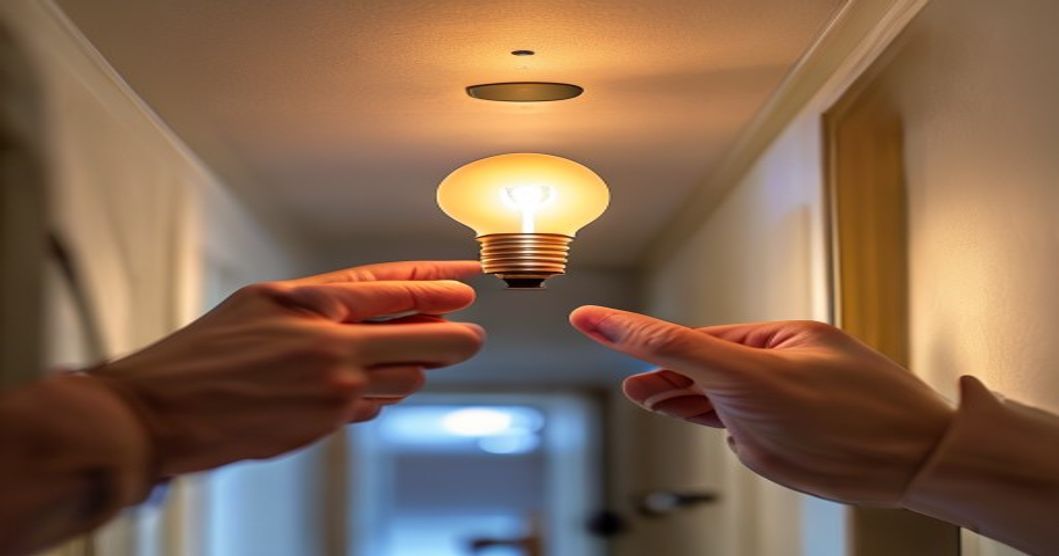
Built-in motion sensor bulbs win for simplicity (no extra wiring or hub required), while separate motion sensor kits offer better control if you have multiple fixtures or need placement flexibility. Start with a built-in option if you want a quick install; go the kit route if you want fine-tuned motion zones.
Why Motion Sensor Hallway Bulbs Matter
A hallway is the forgotten zone of most homes. Lights stay on because they’re easy to forget, or they stay off because nobody’s walking through at the moment. Motion sensor bulbs solve both problems. The bulb turns on the instant someone enters and stays on just long enough, then fades off—no wasted hours of empty-room lighting, no fumbling for a switch in the dark.
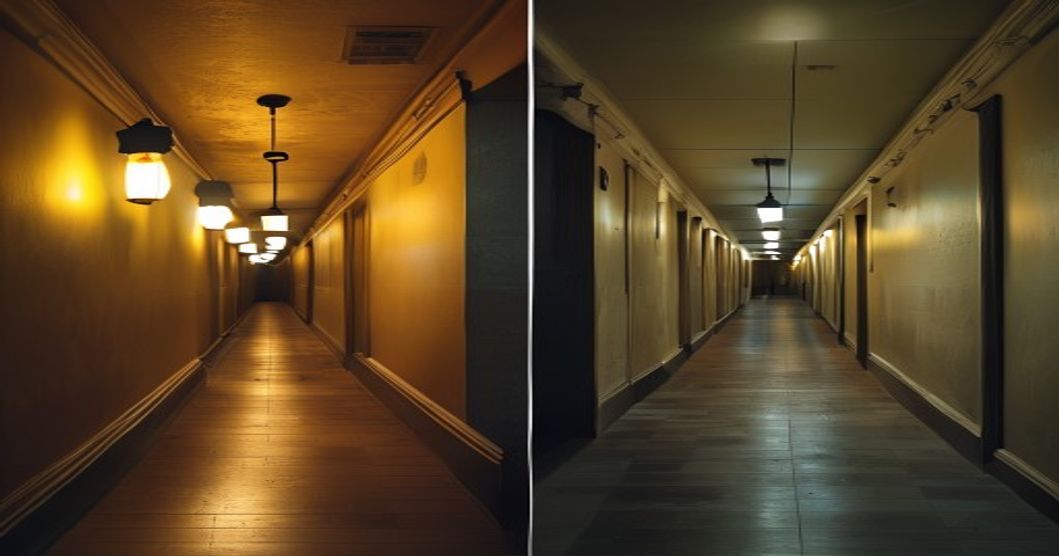
The second win is automatic dimming. Your hallway doesn’t need 100% brightness at 3 a.m. A smart bulb can ramp down to 20% or 30% brightness on motion detect after a certain time, or you can set it to a sunset-to-sunrise schedule. This keeps circadian rhythms sane and saves another chunk of energy.
The result: 40–70% less energy than always-on lighting, zero behavioral effort, and a home that feels smarter without being complicated.
Built-in Motion Sensor Bulbs vs. Separate Motion Sensor Kits
There are two roads here. Let’s lay them side by side so you pick the right one for your hallway.
| Feature | Built-in Motion Sensor Bulb | Separate Motion Sensor + Smart Bulb |
|---|---|---|
| Installation | Screw into fixture, configure app | Sensor mounted separately, bulb in fixture, pair via app |
| Sensor Placement | Fixed at fixture location | Flexible—mount on wall or corner |
| Multiple Fixtures | Each bulb has its own sensor (redundant) | One sensor controls multiple bulbs |
| Hub Required | Typically no (WiFi or local mesh) | Often yes (Zigbee/Z-Wave hub) |
| Typical Cost (per bulb/fixture) | $20–45 | $15–30 per bulb + $30–60 for sensor |
| Dimming Control | App-based, often local and remote | App-based, may vary by brand |
| Best For | Single hallway fixtures, quick install | Long hallways, multiple fixtures, precise control |
Choose Built-in Motion Sensor If…
- You have one or two hallway fixtures and want the fastest install (literally screw and go).
- You prefer not to use a hub and want WiFi or local mesh connectivity.
- Your hallway fixture is well-positioned for motion detection (corridor entrance, not tucked in a corner).
- You want simple, all-in-one maintenance—no separate sensor to troubleshoot.
Choose a Separate Motion Sensor Kit If…
- Your hallway has multiple light fixtures and you want one sensor controlling all of them.
- The fixture location isn’t ideal for motion detection (high up, around a corner, behind a wall)—you can mount the sensor separately in a better spot.
- You already have a Zigbee or Z-Wave hub and want to expand your ecosystem.
- You want flexibility to upgrade bulbs or the sensor separately without replacing the whole system.
- 40–70% energy savings vs. always-on lighting.
- No dark hallway fumbling—light greets you automatically.
- Customizable dimming schedules (lower brightness after sunset).
- Sensitivity and timeout adjustable via app.
- Built-in options require zero wiring or hub.
- Pairs well with existing smart home routines.
- False triggers possible if pets or air currents move near sensor.
- Timeout lag—light may turn off while you’re still in the hallway if set too short.
- Some built-in sensors have limited range or require optimal positioning.
- WiFi-based bulbs need stable connectivity for remote control.
- Separate sensor kits often need a smart hub (extra cost and device).
- Not all brands’ apps are intuitive; setup can feel clunky.
Key Features to Prioritize
Adjustable Sensitivity and Timeout
Look for bulbs or sensors where you can tune motion sensitivity (so pets don’t trigger false alarms) and timeout length (so the light stays on long enough if you pause mid-hallway). A 30-second to 2-minute timeout range covers most hallway scenarios.
Dimming at Night
If you move through the hallway at night, automatic dimming to 20–30% brightness is a game-changer. Many bulbs support scheduling (like “dim to 30% after 9 p.m.”) or can detect time of day and adjust brightness accordingly. This avoids the harsh jolt of full-brightness lighting in a dark home.
Local or Hub-Free Control
If you want motion detection to work even if WiFi drops, prioritize bulbs that use local connectivity (Zigbee, Z-Wave, or proprietary mesh). WiFi-only bulbs depend on internet for remote control, but motion detection often still works locally if your phone is offline.
Warm Color Temperature
A hallway should feel cozy and welcoming, not clinical. Choose bulbs that default to 2700K (warm white) or allow you to set a warm scene. Some bulbs let you pick different color temperatures for day versus night, which is a lovely touch.
Real-World Scenarios and Setup Tips
The Long Corridor
If your hallway is longer than 15 feet or has multiple light fixtures, a separate motion sensor paired with 2–3 smart bulbs works better than individual bulb sensors. Mount the sensor at the corridor entrance, and it’ll trigger all the bulbs together. This also avoids the awkward moment where one bulb turns off before you reach the next fixture.
The Staircase Landing
Staircase hallways benefit from motion detection with a slightly longer timeout (60–90 seconds). You want the light to stay on while someone is climbing or descending. If the fixture is above the stairs, make sure the motion sensor can see the full range of the staircase; adjust sensitivity to avoid false triggers from passing traffic below.
The Pet-Friendly Hallway
Cats and dogs trigger motion sensors. If you have pets, reduce sensitivity to “medium” or “high threshold” to avoid constant false lights. Some brands let you set motion type filters (e.g., ignore small movements), which helps.
The Dim-at-Night Schedule
Set up two automations: one for daytime (100% brightness on motion), one for night (30% brightness after 9 p.m. or sunset). This keeps the hallway visible without jarring your household at 2 a.m. Some bulbs support “gentle wake-up” dimming, where brightness ramps up gradually to full, which is less startling than an instant flash.
Related reads that dive deeper into smart bulb options: Smart Bulbs for Closet Lighting With Motion Sensor and Battery Backup Under $40 covers backup power options, Best Smart Bulbs for Kitchen Under Cabinet Lighting with Motion Sensor and Voice Control explores voice integration, and Smart Bulbs for Bathroom Vanity with Dimming and Color Control Under $25 shows how dimming pairs with color temperature shifts in another high-traffic space.
Energy Savings: The Math Behind It
Here’s a concrete example. A traditional 60-watt incandescent bulb, left on 12 hours a day, uses about 262 kilowatt-hours per year. A 9-watt LED smart bulb (equivalent brightness) uses 39 kWh per year at the same 12-hour run time. That’s already a 85% cut.
Now add motion detection. If that hallway is genuinely occupied 3–4 hours a day (not a straight 12), your 9-watt LED drops to about 10–13 kWh per year. Versus 262 kWh for the incandescent, that’s a 95% reduction. At average US electricity rates (~15¢ per kWh), you’re saving roughly $37 per year per fixture. Over a 10-year bulb life (many LED smart bulbs last that long), that’s $370 in electricity cost avoided—on top of no more bulb replacements.
The bulb cost is $25–45. You break even in less than two years, and everything after is pure savings and convenience.
Common Mistakes to Avoid
Setting timeout too short. If the hallway light turns off while you’re still walking, you’ll end up manually overriding it. Start with 60–90 seconds and adjust upward if needed.
Placing the sensor where it can’t see movement. If your hallway makes a turn, the sensor in the first section won’t detect motion in the second. Use a separate sensor, or install a bulb with a forward-facing motion lens in the right spot.
Ignoring WiFi stability.** If your router is far from the hallway and signal is weak, remote dimming and scheduling won’t work smoothly. Move the router closer or use a WiFi mesh system to fill the gap.
Not testing sensitivity first.** Install the bulb, leave sensitivity at default, and observe for a few days. Does it trigger on pets? Air vents? Adjust sensitivity downward before locking in a schedule.
Forgetting the “always on” override.** Most motion sensor bulbs let you lock them on full brightness via the app (useful for cleaning or when guests visit). Make sure you know how to toggle this, so you’re not surprised when the light suddenly goes off.
Who This Is For—and Who It Isn’t
Perfect For:
- Families with kids who never turn off the hallway light.
- Anyone chasing a lower electricity bill and smaller carbon footprint.
- People who dislike wall switches (renters, design minimalists).
- Households that move through hallways at night and value automatic soft lighting.
- Anyone already invested in smart home ecosystems and wanting to expand.
NOT Ideal If:
- You prefer a completely “dumb” home with no WiFi or app involvement.
- Your hallway has unpredictable foot traffic or frequent pets (constant false triggers will frustrate you).
- Your home’s WiFi is unreliable and you can’t (or won’t) upgrade it.
- You rent and can’t install additional wiring or sensors.
- You want a bulb that’s cheaper than $15—budget options exist, but they usually lack motion sensing.
Start with a built-in motion sensor bulb for a single hallway fixture—it’s the easiest entry point, costs $25–45, and cuts your energy use dramatically. If you have multiple fixtures or a longer corridor, invest in a separate motion sensor paired with 2–3 smart bulbs to cover the whole space. Either way, set motion timeout to 60–90 seconds, enable dimming after sunset (30% brightness), and enjoy a hallway that lights itself intelligently and costs far less to run. You’ll recoup the cost in under two years through energy savings alone.
Explore Smart Bulb Options →
Disclosure: This post contains affiliate links. If you purchase through these links, I may earn a commission at no extra cost to you. As an Amazon Associate I earn from qualifying purchases. I only recommend products I genuinely believe offer good value and functionality.